
In this guide
The convenient cupboard may not be the best test
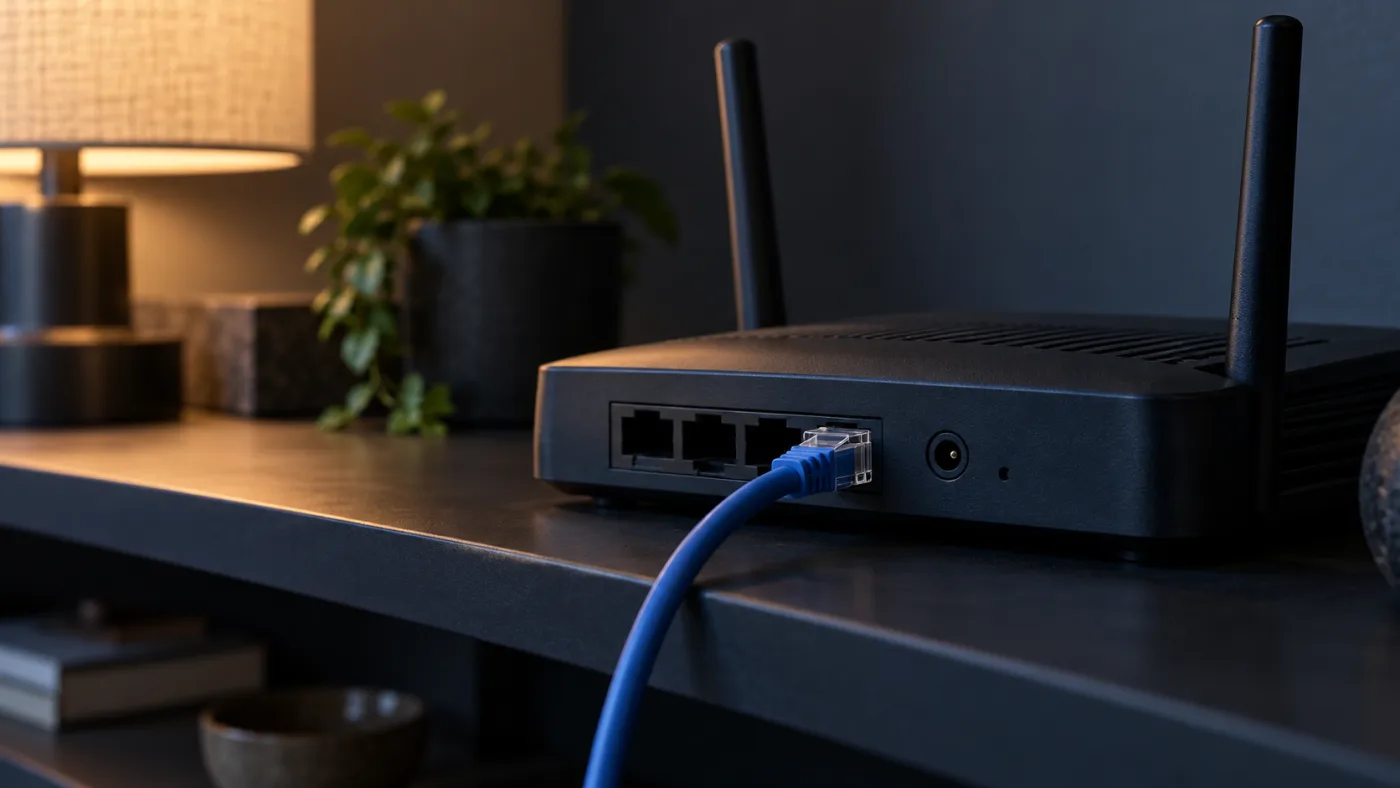
The router often ends up where the cable enters the house, tucked behind furniture or surrounded by other equipment. That location may be convenient for the wiring without being convenient for the television upstairs. Before choosing a replacement, look at the route between the router and the device that actually struggles.
Google TV's official connection guidance suggests moving a router closer to the television when Wi-Fi is weak. That is a general troubleshooting option, not a promise that one position fixes every home. Start by observing your layout and testing one practical change rather than committing to new hardware on the strength of a quick phone speed test.
Check the device's network first
Confirm the television or streaming box is connected to the network you intend to use. Homes can have guest networks, old network names or several access points. A phone connected correctly does not prove the television has chosen the same route. Read the device's own connection screen before moving anything.
If a network name is unfamiliar, ask the person who manages the router. Do not remove security settings or join an open network to make an error disappear. Apple's router guidance recommends consistent, secure configuration across network equipment. Changing passwords, bands and settings at random can introduce new problems unrelated to the original playback symptom.
Make a modest physical comparison
If the cables permit it, try a more open nearby position that keeps the device safely supported and ventilated. Do not stretch a power lead or place equipment somewhere unstable. You are looking for a useful comparison, not redesigning the house. Keep the original position in mind so you can reverse the move.
Use the same screen, player and content after the change. Note whether the particular pause or failure improves. If you test on a phone standing next to the newly positioned router, you have answered a different question. The important result is what reaches the television in the place where you normally sit down to watch.
Do not turn a placement check into a settings overhaul
Router menus can expose channel, bandwidth, security and priority options that sound relevant. Leave unfamiliar controls alone unless the manufacturer or your broadband provider gives a clear reason to change them. A placement experiment should not become a simultaneous change to half the network, especially if other people depend on it for work.
If you use several access points or a mesh system, consult that system's guidance for positioning. Adding another unit beside the television is not automatically a complete solution. Note which equipment is involved and how it connects before asking for advice. A simple description of the layout can be more useful than a long list of altered settings.
Decide what the evidence supports
If a modest move helps, consider whether the improved position can remain tidy and safe. If it does not, a supported wired comparison or a second-device check may be more informative than buying another router. If several household activities struggle, the broadband provider may need the symptom and timing rather than television-service support alone.
Keep the outcome specific: this device improved in this room after this change, or the original symptom remained. That statement does not overpromise, but it does give the next person a useful starting point. Router placement is worth checking because it is observable and often reversible, not because every streaming problem begins there.
Sources and further reading
Still having trouble?
Send the device, player, symptom and time. Leave passwords and playlist URLs out of your message.