
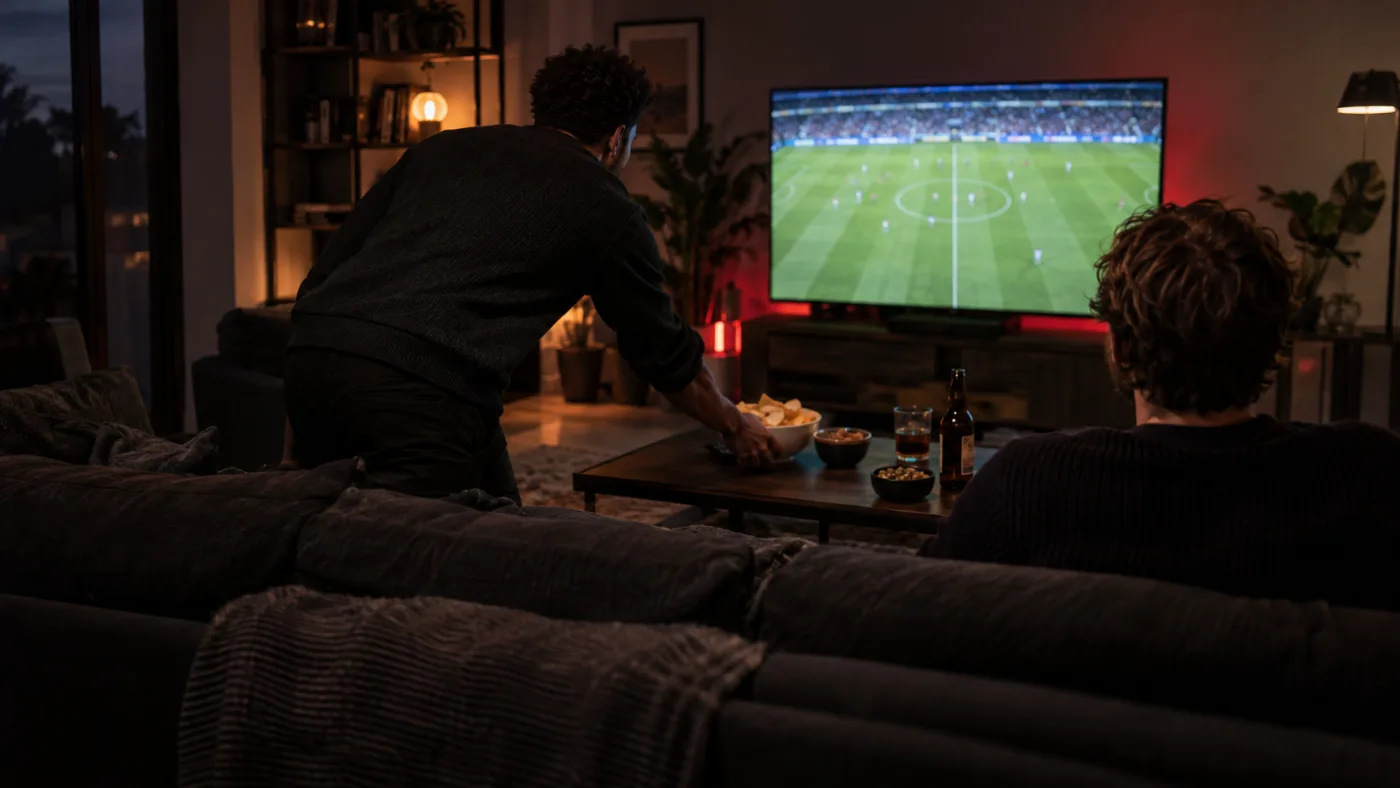
There is a particular kind of silence just before a live game begins. Drinks are set down, someone takes the good seat and the room turns towards one screen. That moment works best when the practical decisions happened earlier.
Give the room a first look
Pick the screen people will actually gather around. A phone is useful for checking a login, but it is a poor stand-in for a television across the room. Open the player on the main screen before guests arrive. Check that the picture is framed correctly and that the remote can move between the guide and playback without a long search through menus.
Sound deserves the same quick test. Dialogue should be clear at a comfortable volume; a loud crowd should not force everyone to reach for the remote. If you use a soundbar or receiver, confirm that the television is sending audio to it before the event starts.
Separate setup time from viewing time
Installing a player, entering access details and finding the right channel are all easier without a room waiting for the opening whistle. If this is your first evening with Nautique TV, tell the team which device you have and follow the matching setup guide. Never post access details in a group chat or send your password to someone claiming to be support.
Content availability can change. A poster or competition mark on a website is not a promise that one particular event is available tonight. Ask for the current channel and content list if the evening depends on a specific programme.
Run a small rehearsal
Five minutes is enough to learn where the friction is. Open a live channel, leave it running, switch away and return. Try the volume, the guide and the device's sleep settings. If you plan to watch with other people at home, check that the number of simultaneous screens on your plan fits that use.
If the picture pauses during this rehearsal, do not change every setting at once. Note whether the problem happens on one channel or several, and whether another device on the same connection behaves differently. Our buffering checklist gives you a calm order to test.
Leave room for the evening
A good match night is not a technical demonstration. Once the screen, connection and sound are comfortable, put the remote down. The people in the room, the pauses in play and the conversation afterwards are the parts worth making space for.
Check your programme before you decide
Tell us the programme, viewing date, language and device. We will confirm current availability before you choose access.