
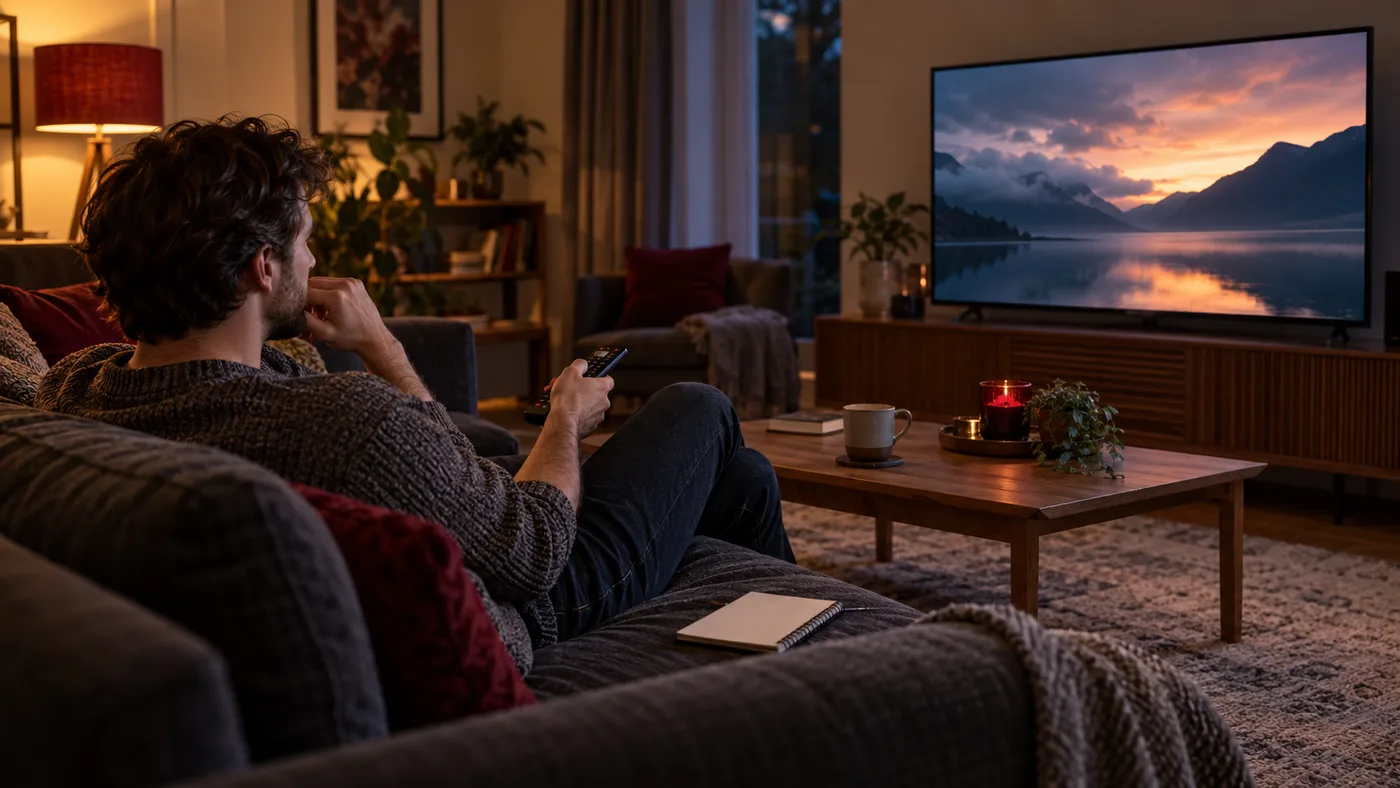
Nautique TV offers one free five-hour trial per customer, with no payment details needed. The five hours begin when trial access is activated, so it helps to be ready before you ask us to start.
Prepare the screen first
Choose the device you plan to use most often and make sure it is online. Tell our team the make and model, then follow the player and login instructions they send on WhatsApp. Ask when access will be activated so you know when your test begins.
Before activation, write down the two or three questions you need the trial to answer. For example: Can you find what you normally watch? Does the picture look right on your main television? Can someone else at home use the guide without your help? A short list keeps the test about your real habits instead of a random tour through menus.
Test what you would really watch
Try the guide, open more than one live channel and switch to the films or series that interest you. Availability can change, so ask for the current channel and content list rather than assuming a logo or poster on the site means a specific title is included.
- Check picture and sound on your usual screen.
- Move between channels and on-demand sections.
- Repeat a short test at the time of day you would normally watch.
Let the test resemble a normal evening
Leave something playing for more than a few seconds. Use the same Wi-Fi or wired connection you would use later, and sit where you normally sit. A quick preview on a phone beside the router can hide problems that only become obvious across the room on a television. If more than one person will use the service, let them try finding a programme too.
Keep track of what worked as well as what did not. One slow load is a useful observation, but so is a guide that is easy to navigate or sound that needs adjustment. If the trial crosses your usual viewing time, try a short second check then. The point is to leave with an informed decision, not to watch every available channel in five hours.
Report a problem clearly
If playback fails, send support the device model, the content you tried, the time and what happened. A screenshot of an error can help. Leave your password and playlist URL out of the report; ask how to verify access safely if needed.
After the trial, compare the plan durations and simultaneous-screen limits. There is no need to choose a package before you have tested the experience that matters to you.
If an important question remains unanswered, ask support directly. A trial is more useful when you know what still needs confirming, especially for a particular device or a specific programme whose availability can change.
Test on the screen you actually use
One 5-hour trial per customer. No payment details needed. Your five hours start when access is activated.