
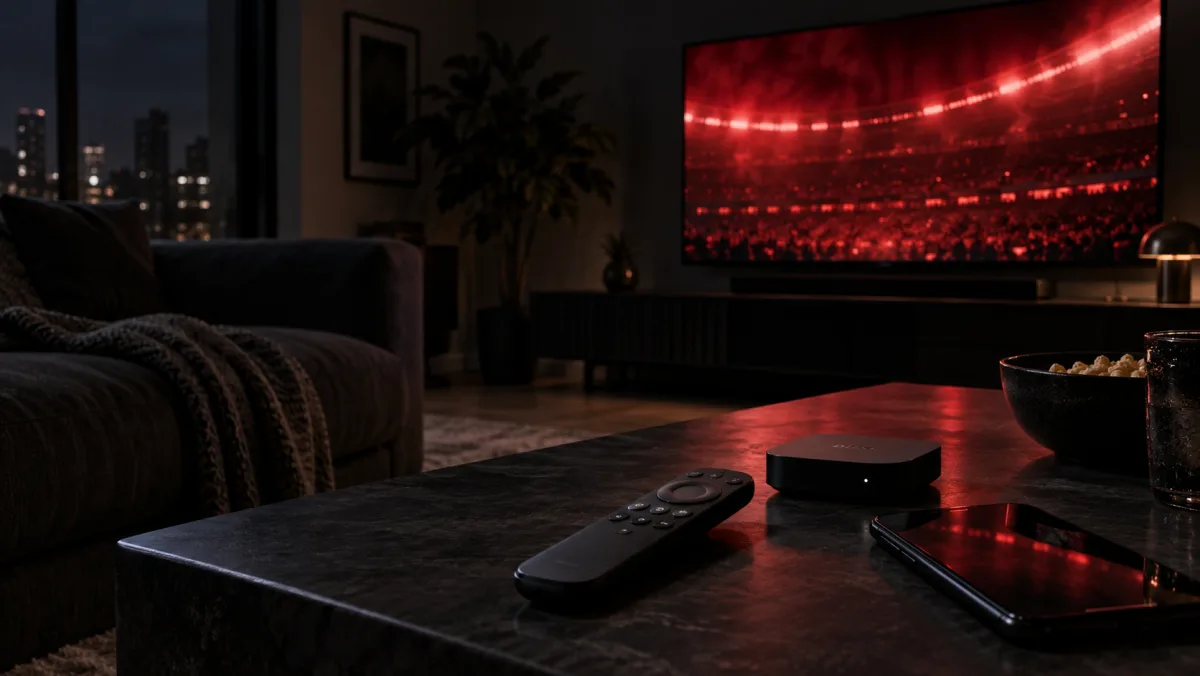
Your first screen should be the one you normally watch. A phone can show that a login works, but it cannot tell you how the picture feels on the television in your living room.
Start with your everyday device
If most viewing happens on a Smart TV or Fire TV, start there. If you usually watch at a desk or on a tablet, use that device instead. The goal is to test the experience you would keep, not the easiest screen to reach for a minute.
App availability and setup steps can differ between models, even within the same device family. Tell our team the make and model when you message us so they can suggest the right player and login route.
Think about the remote as well as the picture. On a television, can you reach the guide and return to playback without hunting through menus? At a desk, is the player comfortable to use from your chair? The best first device is not necessarily the newest one. It is the screen that fits the way you will spend an ordinary evening.
Have three things ready
- Your device make and model.
- A working internet connection on that device.
- Time to complete setup and try the content that matters to you.
Keep access details private. Do not post them publicly or send your password to someone claiming to be support. If access needs checking, ask for a safe verification step.
Password-safety reference: UK National Cyber Security Centre advice for end users.
Check the result on your own connection
Once the player is set up, try navigating the guide, opening a live channel and switching to another title. If something does not load, note the device, the content and the time before contacting support. That gives the team a useful starting point.
Use a second screen as a comparison
If you have another supported device, use it to answer a specific question rather than starting the whole test again. Does the same channel behave differently on the same home connection? If so, the first device or player may need attention. If both screens struggle, the shared connection may be worth checking. Neither result is a diagnosis by itself, but it gives support a better clue.
Do not judge the service only from a quick phone check and then discover the television setup when guests arrive. Finish on the screen you plan to keep using. If you are unsure which player suits that model, ask before your trial access is activated so setup does not consume your viewing time.
Get the right setup for your device
Use the current setup guide. If the model or player is unclear, ask us to confirm the supported route first.