
In this guide
The notification can arrive before the moment
You are following a close match when a phone lights up with a score alert. The room has not seen the moment yet, but the surprise is gone. You do not need to know precisely why two viewing routes differ to avoid that situation. You need a small agreement about which screen the room will follow and which notifications can wait.
Do not assume every broadcast, app and device shows a live event at an identical instant. This article does not measure or promise any service's delay. It offers a viewing routine for when timing differences matter to your enjoyment, whether you are watching alone, with friends or alongside a busy group chat.
Choose one reference for the room
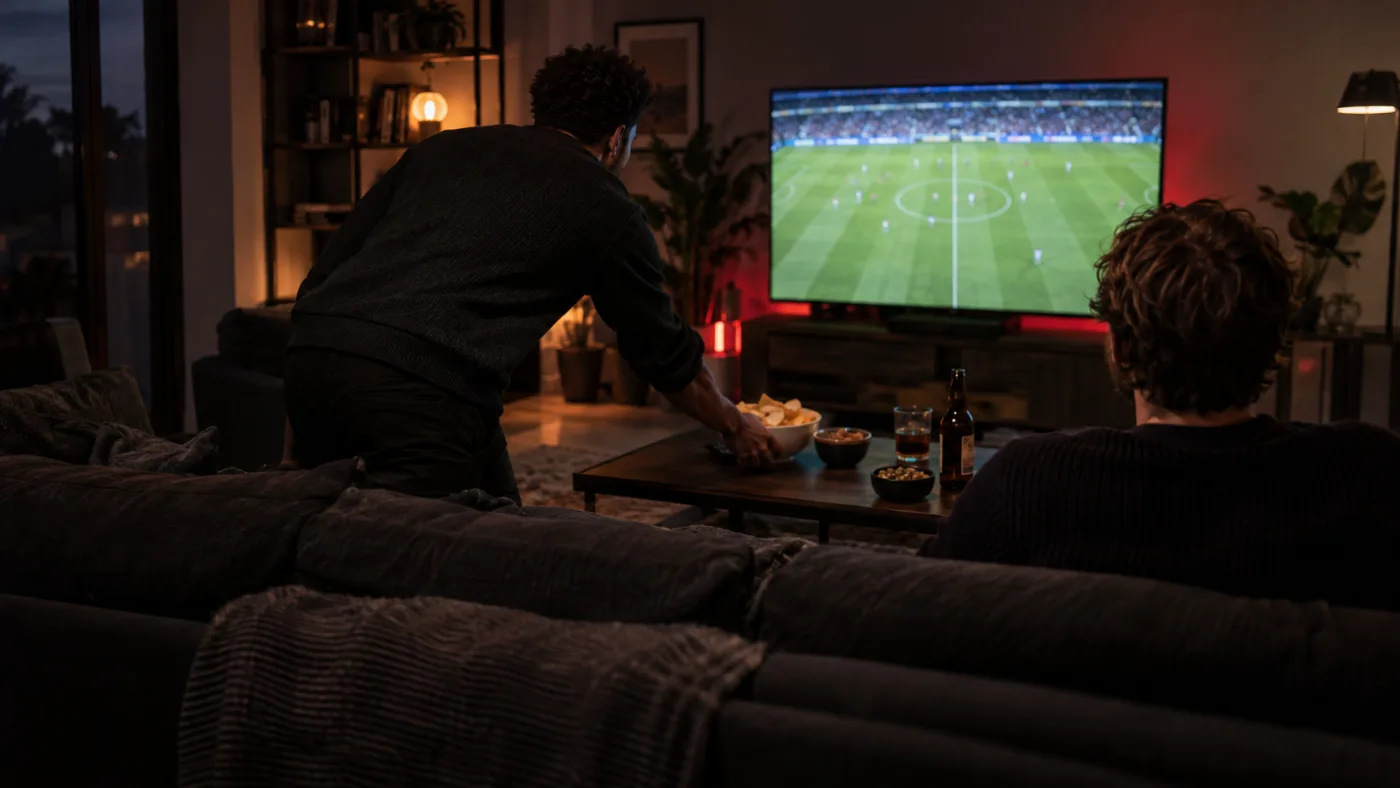
Let the television everyone is watching be the shared reference. Avoid keeping a score page open beside it if you want the result to remain a surprise. If a guest is following another screen, explain the preference before the event begins rather than reacting after they announce a moment nobody else has seen.
You can still use phones for messages or practical needs. The point is to decide which information you do not want arriving first. A casual agreement works better than a complicated rule: keep score alerts and live commentary out of the room until the shared screen reaches the same moment.
Prepare the phone before the broadcast
Review the notification settings of the score apps and group chats you normally use. Use your device's supported focus or mute controls where helpful, and test that important personal contacts remain reachable in the way you intend. Do this before the event so the first tense moment does not become a settings exercise.
If you join an active group conversation, say you are avoiding spoilers and will read later. Other viewers may use different routes or attend in person, so they may not share your timing. Keep the chat out of view rather than expecting everyone else to calculate when your television has reached each incident.
Treat breaks as your breaks
When you leave the room, decide whether you are content to return to the live moment or whether your confirmed setup supports another approach. Do not assume pause, restart or replay exists for every event. If watching later is essential, check that feature separately before choosing access rather than relying on a button from another player.
If you intend to watch a confirmed replay, extend the spoiler routine until you finish it. Headlines, thumbnails and ordinary conversations can reveal the result even without a score alert. Keep your plan realistic: you may prefer catching up sooner rather than avoiding every source of information all day.
Finish the preparation and enjoy the event
Open the correct channel in advance, check sound and confirm the current official start time. Put the remote somewhere reachable, then leave the setup alone once the viewing begins. Repeatedly switching between feeds in pursuit of an imagined perfect alignment can interrupt the very experience you wanted to protect.
After the event, restore any temporary notification preferences you changed. Keep the routine that worked for next time: one shared screen, a clear chat agreement and a small amount of preparation. Spoiler-free viewing is not a technical guarantee. It is a practical choice to let the important moment arrive through the programme you chose to watch.
Plan your next evening
Explore more viewing guides, or check a specific programme before making plans.