
In this guide
Five devices do not necessarily mean five viewers
A household might own two televisions, a laptop and several phones while rarely using more than one screen for television. Another household may own only two screens and want both playing every evening. The useful number for choosing access is the overlap: how many streams you expect to watch at the same moment.
Installed devices and simultaneous playback are different concepts. A player being present on a device does not establish permission for another active stream. Check the current plan description and ask about any device restrictions separately. You want to understand the rule before a second viewer discovers it halfway through a programme.
Find your busiest ordinary evening
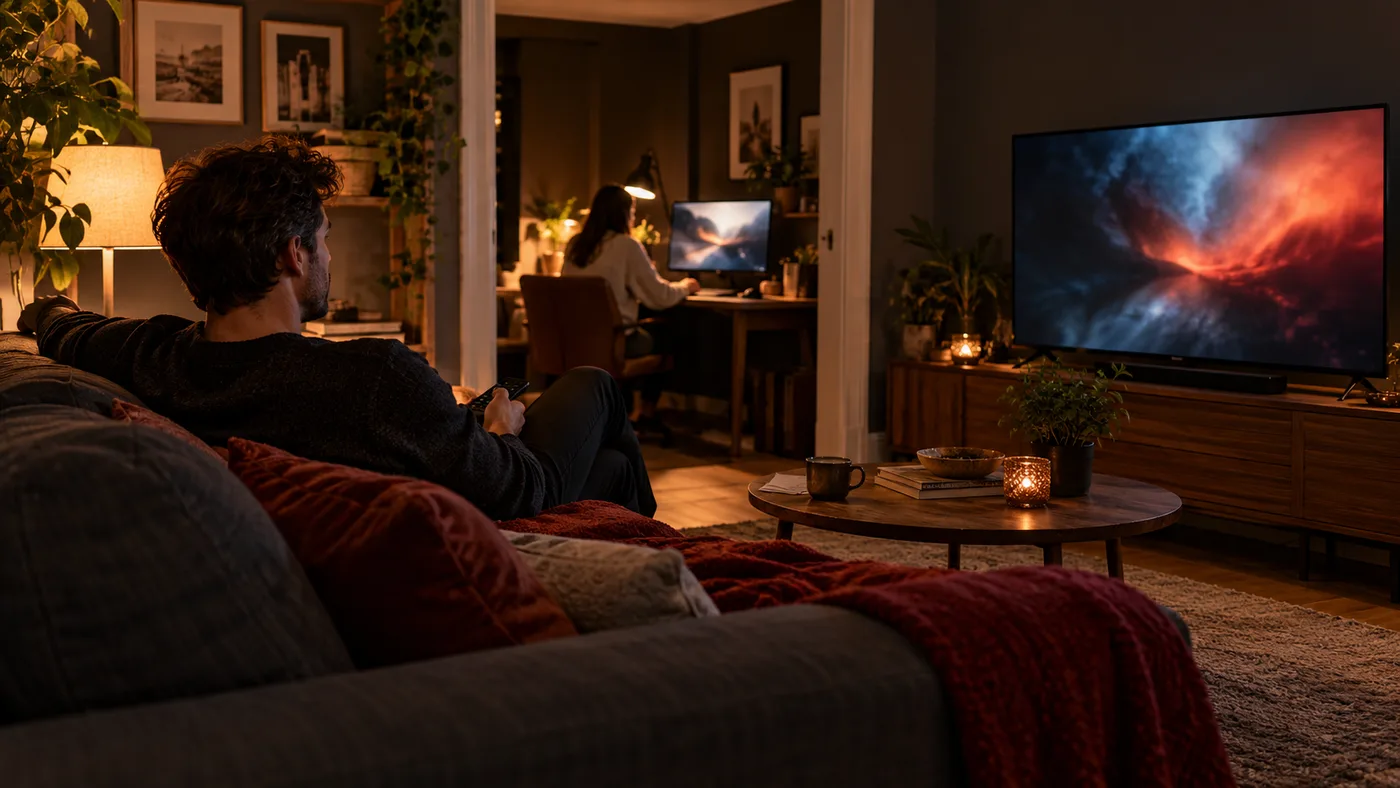
Picture a realistic overlap rather than the busiest imaginable day. Someone follows a live event in the lounge while another person starts an episode elsewhere. Perhaps a tablet is only used when the main television is free. Write down which screens would actually be playing, and which would merely be available.
That example gives you a clear support question: can this plan cover these two devices playing different content at the same time? Include the device types if you need setup guidance. Do not infer the answer from a photograph of several screens or from how many devices an app allows you to register.
Know what happens when you switch rooms
Moving from a phone to the television can create confusion if the first player remains open. Stop playback on the old screen before starting on the new one, then follow the specific service's instructions if access does not transfer as expected. A device that looks idle may not have fully ended its playback session.
Ask how the service handles switching and whether any waiting period applies. There is no universal rule across all players and providers. If something goes wrong, record which screen was playing first and what the second screen displayed. That sequence is more useful than repeatedly pressing play on both devices.
Avoid solving a limit with random software changes
When one screen works and another does not, a screen allowance is only one possible explanation. The second device may have a setup or playback problem. Check the wording of the error and compare it with the confirmed plan rules before reinstalling apps or buying an upgrade from the player publisher.
Send support a concise account of the overlap: the two device types, the order you started them and the visible message. Leave passwords and playlist URLs out of the report. Ask whether the issue is entitlement or setup, so the next step addresses the actual cause rather than changing a working first device.
Choose capacity for the routine you intend to keep
If overlapping viewing happens often, include it in your plan comparison from the beginning. If it happens rarely, discuss whether a different viewing routine would be acceptable before committing to a longer period. The right answer depends on your household, not on a default recommendation for the largest option.
Use the current pricing page for the actual allowances and payment totals. Keep the chosen duration and screen allowance together in your confirmation. A plan makes sense when everyone understands where and when they can watch; counting active playback gives you a simple, concrete way to make that decision.
Choose access for your household
Compare the current screen allowances, access periods and total prices before choosing a plan.